Smart Home Starter Kit: Devices That Make Everyday Life Easier
Build a smart home the easy way with a starter kit: lights, plugs, thermostat, speaker, camera, and sensors that save time, energy, and effort.
Start With a Smart Hub and Voice Control
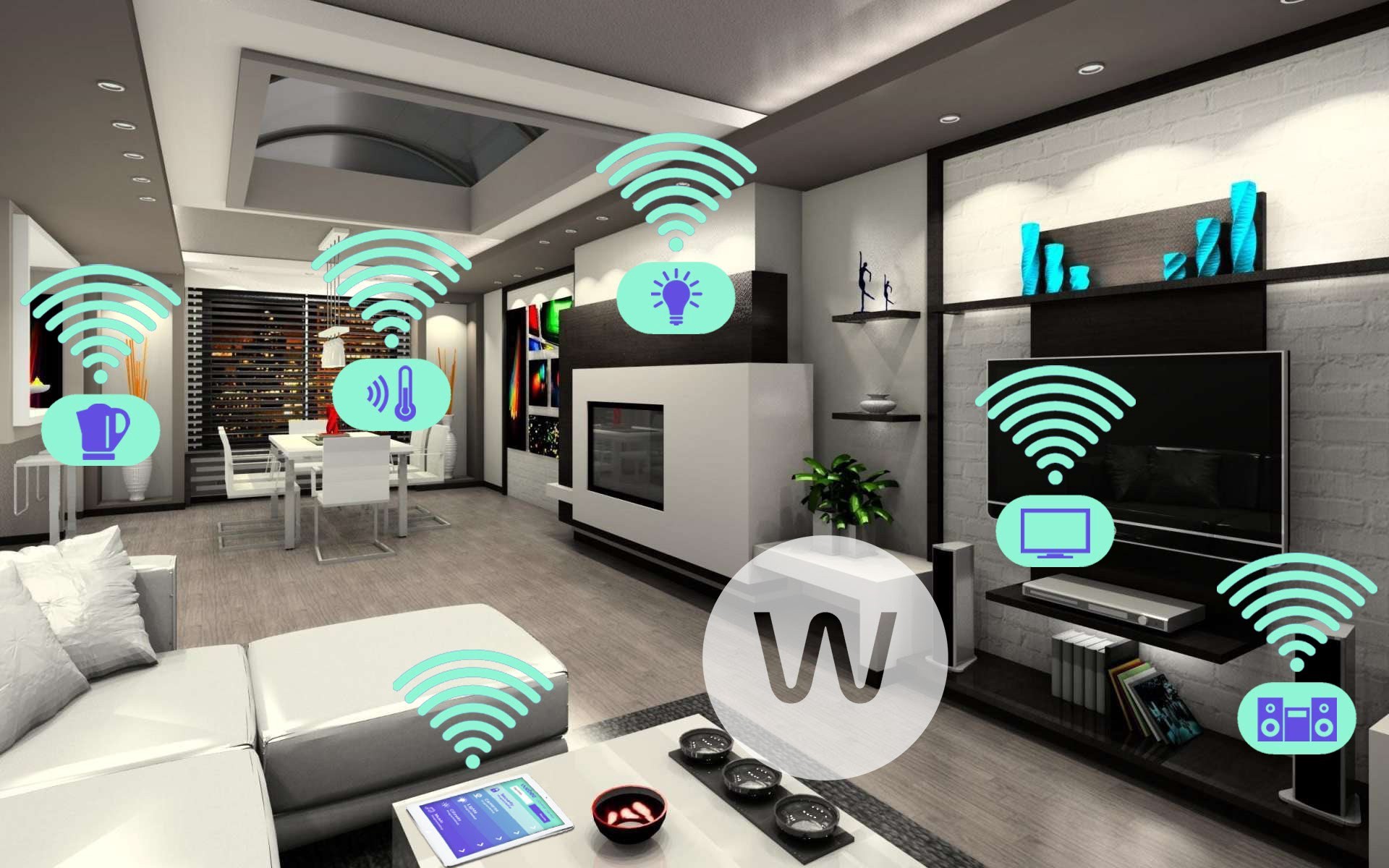
A strong smart home foundation begins with a smart hub and reliable voice control. The hub unifies your consumer electronics so lights, sensors, plugs, and appliances speak a common language. Look for broad compatibility, support for modern protocols like Wi‑Fi, Bluetooth, and low power mesh options, and consider emerging standards such as Matter and Thread for seamless interoperability. A capable voice assistant adds hands‑free convenience for quick actions, status checks, and accessibility. Prioritize local control where possible to keep automations running even if the internet blinks. Evaluate the companion app for clear device grouping, routines, and scenes, as well as multi‑user management for households. Strong privacy settings, adjustable microphone sensitivity, and straightforward permissions help maintain trust. During setup, place the hub centrally, update firmware, and label rooms consistently to reduce confusion later. By anchoring your starter kit with a flexible hub and intuitive voice features, you create a platform that is simple today and scalable for tomorrow's additions.
Lighting That Adapts to Your Day
Smart lighting is the most satisfying upgrade for instant ambiance and efficiency. Start with smart bulbs for flexible color and tunable white temperatures, or choose smart switches and dimmers to modernize entire circuits while keeping familiar wall controls. Use schedules to wake gently with warm light and wind down with softer tones, and pair motion sensors for hands‑free pathways at night. Create scenes like Reading, Focus, and Movie to set brightness and color in one tap or voice command. For energy awareness, look for energy monitoring or adopt high‑efficiency bulbs and dimming strategies that cut unnecessary consumption. Consider presence simulation to deter intruders by mimicking lived‑in patterns when you are away. If you entertain or share your home, maintain physical controls so guests can still switch lights easily. With thoughtful placement and automation, lighting becomes more than on or off; it becomes a responsive layer that enhances comfort, productivity, and mood throughout the day.
Comfort, Climate, and Energy Savings
A smart thermostat anchors climate control by learning patterns, reducing waste, and keeping rooms comfortable without constant tinkering. Pair it with temperature and humidity sensors to balance comfort across different areas, and set geofencing rules so heating or cooling adjusts automatically when you leave or return. Add smart plugs to manage space heaters, fans, dehumidifiers, or purifiers, and use energy usage insights to target the biggest savings. Air quality sensors can trigger fans or purifiers when particulate levels rise, while quiet ceiling fans or window sensors can condition air passively when the weather cooperates. Build automation that pauses climate control when windows are open, resumes after, and slowly ramps to avoid spikes in demand. For safety, set maximum temperature limits on portable heaters and add child lock features where available. The result is a climate system that feels attentive and frugal, trimming bills while preserving comfort without micromanagement.
Security and Peace of Mind
Start with contact sensors on doors and windows and add motion sensors in key hallways to gain visibility without complexity. A smart doorbell and strategically placed cameras provide context, while smart locks create flexible, trackable access for family, guests, and service providers. Use temporary codes, auto‑lock, and activity logs to keep entries secure and understandable at a glance. Tie security into your lighting so motion at night can trigger pathway illumination and a recorded announcement, deterring unwanted visitors. Prioritize privacy features such as end‑to‑end encryption, local storage, privacy zones, and quick mic or camera shutdown options. Add a siren or chime for audible alerts, and configure notification tiers so real issues stand out from routine comings and goings. Keep battery backups for key devices and ensure a non‑smart backup plan for entry. With balanced alerts and thoughtful automations, you gain confidence and calm without turning your home into a noisy fortress.
Setups, Routines, and Long‑Term Success
The secret to a smooth starter kit is simple, reliable routines. Begin with a few high‑value scenes like Good Morning, Away, and Wind Down, then refine them over time. Use clear naming conventions for rooms and devices, and test automations in daylight before trusting them at night. For network stability, mind router placement, consider mesh networking for larger homes, and keep 2.4 GHz devices away from heavy interference. Group devices logically, and avoid overlapping triggers that create loops. Schedule regular firmware updates and review permissions and shared access when household needs change. If you expand, favor devices with proven interoperability and local control to reduce cloud dependency and latency. Keep a short list of manual overrides for guests and emergencies. Most importantly, automate outcomes, not buttons; focus on comfort, safety, and savings. With a measured approach, your computers and consumer electronics ecosystem will feel cohesive, dependable, and delightfully helpful every day.