USB-C Demystified: Cables, Chargers, and What Really Works
USB-C made simple: choose the right cable and charger, understand Power Delivery and Thunderbolt labels, and avoid slow, unsafe cords that bottleneck.
USB-C, Unpacked
USB-C is a connector shape, not a guarantee of speed, power, or features. Its reversible design and small footprint make it a natural fit for computers and consumer electronics, from laptops and tablets to headphones and handheld consoles. But what actually flows through that oval port depends on the device, the cable, and the charger. Some ports handle only USB 2.0 data and basic charging, while others support high-bandwidth data, video output, and Power Delivery (PD) for fast charging and laptop power. Features like Alt Modes enable display connections, yet not every device implements them. Similarly, a cable that moves massive data on one setup might charge only on another, because capabilities are negotiated and limited by the weakest link. Think of USB-C as a universal doorway with different rooms behind it: the label on the door looks the same, but what you find inside varies. Understanding roles (host, device, dual-role), supported protocols, and cable ratings is the key to what really works.
Cables That Matter
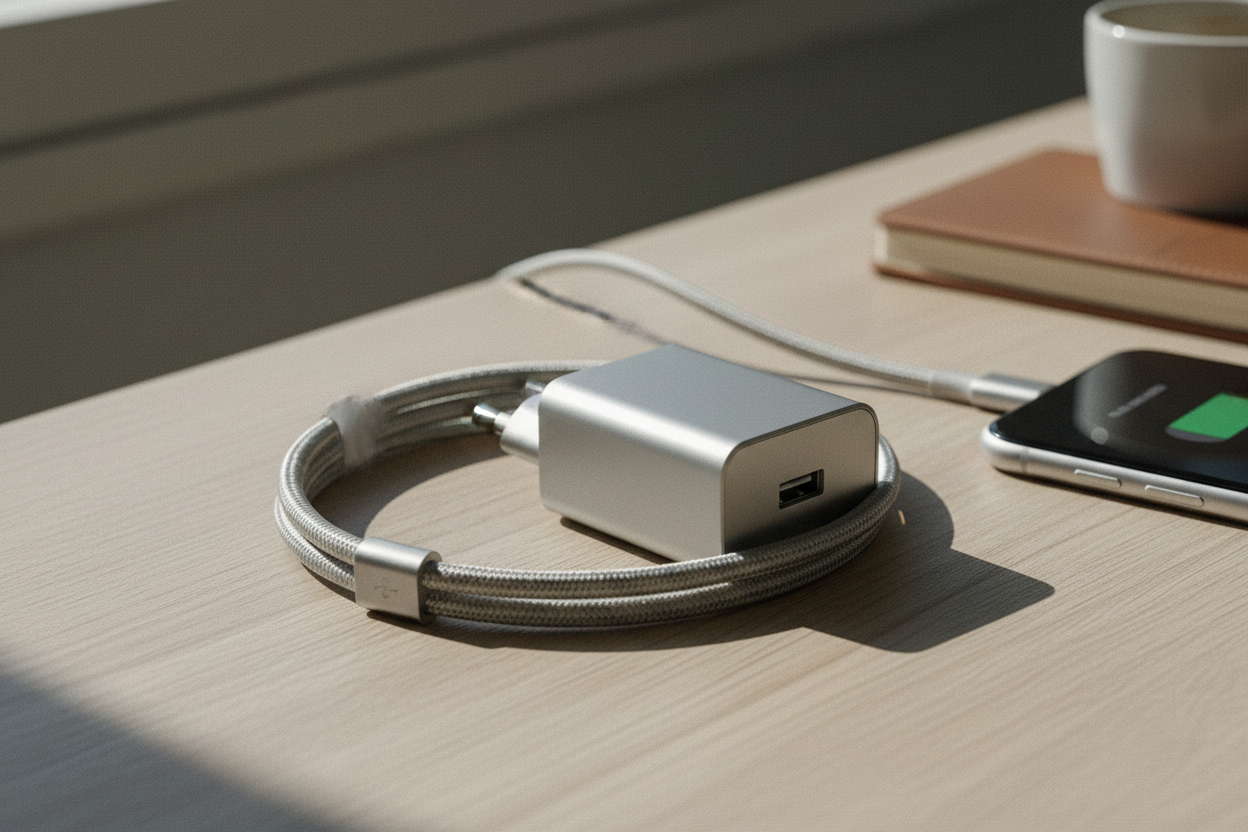
Not all USB-C cables are created equal. Inside the jacket, differences in wire gauge, shielding, and conductor layout decide how much power and data a cable can safely carry. Shorter cables often provide better signal integrity for high speeds, while longer runs may require active electronics to maintain performance. For charging, a cable rated for 5 A typically includes an E-marker chip that advertises its higher current capability; without it, devices will limit power for safety. For data, some cables are USB 2.0 only, perfect for charging and peripherals but too slow for large file transfers or displays. Others are full-featured, with extra pairs for SuperSpeed data and video. Build quality matters too: proper strain relief, good shielding, and reliable connectors extend lifespan and reduce dropouts. If a cable seems suspiciously cheap for its promised specs, it probably is. When in doubt, choose certified or clearly labeled options and match the cable to your task: high-current for charging, high-bandwidth for data and video.
Power Delivery Basics
Power Delivery (PD) is the language devices use to negotiate charging. Instead of forcing a fixed voltage, PD lets a source and sink agree on the safest, fastest profile the system supports. This negotiation covers voltage, current, and roles, so a laptop can charge a phone now and draw power later when plugged into a capable brick. Modern PD adds PPS (Programmable Power Supply) for fine-grained voltage control, reducing heat and improving efficiency during fast charging. Some phones use proprietary fast-charge methods, but nearly all will fall back to PD or standard modes when paired with a universal charger. The bottlenecks are cumulative: a high-watt charger with a low-rated cable or a device with modest intake will scale down. For reliability, pick a charger with a bit of wattage headroom and a cable clearly marked for current rating. If you see slow speeds, the culprit is often the cable or a shared multiport charger reallocating power as other devices connect.
Data, Video, Versions
Data and video over USB-C depend on the protocols your devices and cable support. Basic USB 2.0 cables handle simple peripherals and slow transfers, while SuperSpeed variants unlock higher throughput for drives and cameras. For displays, devices may use Alt Mode to carry DisplayPort or HDMI signaling directly, or they might rely on tunneling via USB4 and Thunderbolt, which also support advanced features like PCIe for high-performance docks. Bandwidth is finite and shared: plug a fast SSD and a high-resolution monitor into the same path, and something may downshift. Cable quality is critical here; many video issues trace back to a cable that cannot sustain the required rate or lacks the necessary lanes. Docks add another layer, translating and multiplexing connections; capabilities vary widely, so check for supported resolutions, refresh rates, and data rates. Backward compatibility helps, but the fastest experience demands a full-featured cable and endpoints that actually speak the same high-level language.
Chargers, Hubs, Docks
Choosing a charger starts with total wattage, number of ports, and how the power budget is shared. Many multiport bricks dynamically allocate output; adding a laptop may throttle a phone, or vice versa. GaN chargers pack more power in smaller bodies, but you still need a cable rated for the current you intend to draw. For hubs and docks, decide whether you want simple USB expansion or a full workstation with video, Ethernet, audio, and charging. A bus-powered hub is portable yet limited by the host's port, while a self-powered dock provides stable power and often better display support. Watch for features like pass-through charging, port labeling, and firmware updates that fix compatibility quirks. Match the dock's advertised specs with the host's capabilities; a dock that supports dual displays still needs a laptop and a cable that can deliver the bandwidth. Above all, pair the right charger, cable, and accessory for the job, and your setup stays fast and reliable.
What Really Works
Success with USB-C is about removing weak links. Keep two dependable cables: a short, high-bandwidth one for data and video, and a 5 A E-marked one for demanding charging. Label them so the right cable finds the right task. Choose a PD charger with capacity beyond your largest device's needs, especially if you plan to power multiple gadgets simultaneously. If you rely on displays, favor full-featured cables and certified docks, and verify your device supports the display path you expect, whether Alt Mode or USB4 tunneling. A compact USB-C power meter can instantly reveal voltage, current, and negotiation hiccups, turning guesswork into data. Keep cables short for speed-critical links, and replace any that show fraying, intermittent connections, or hot connectors. When issues arise, simplify the chain: test device-to-charger with a known-good cable, then add hubs or docks one by one. With the right matches, USB-C delivers on its promise of a single, reliable connector for modern electronics.